.png)
Although this is not ordinarily required, on occasion you may need to manually import bank transactions. For example, if data has been delayed or if the job queue has failed.
-
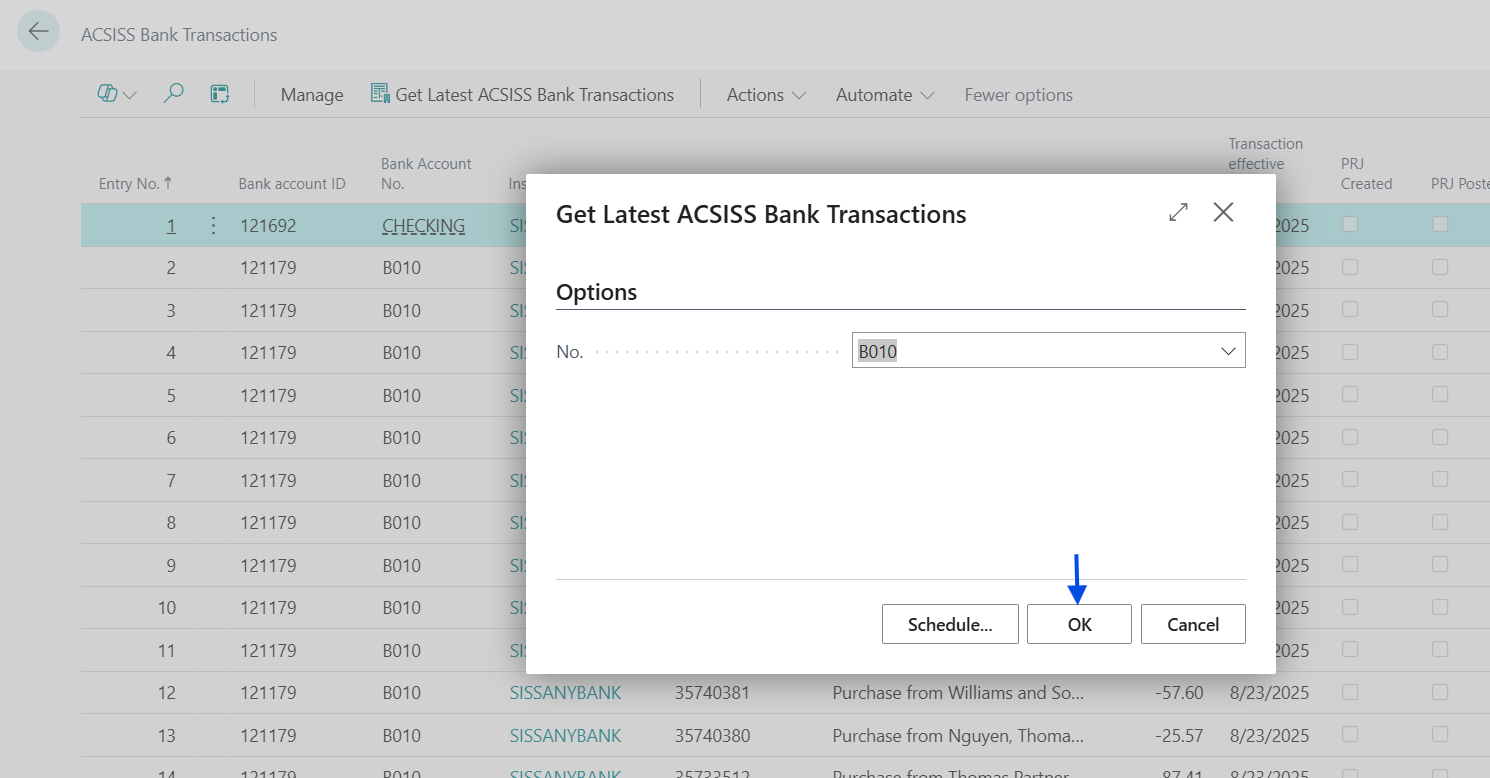
Go to ACSISS Bank Transactions and click on Get Latest ACSISS Bank Transactions

-
To get transactions:
-
for a specific account, select the bank account from the No. drop-down list then click OK
-
for all accounts, click OK
-
Your transactions have now been imported
If there are no new transactions available since the last data import you will see a message “No transactions available at this time”