.png)
Instructions
-
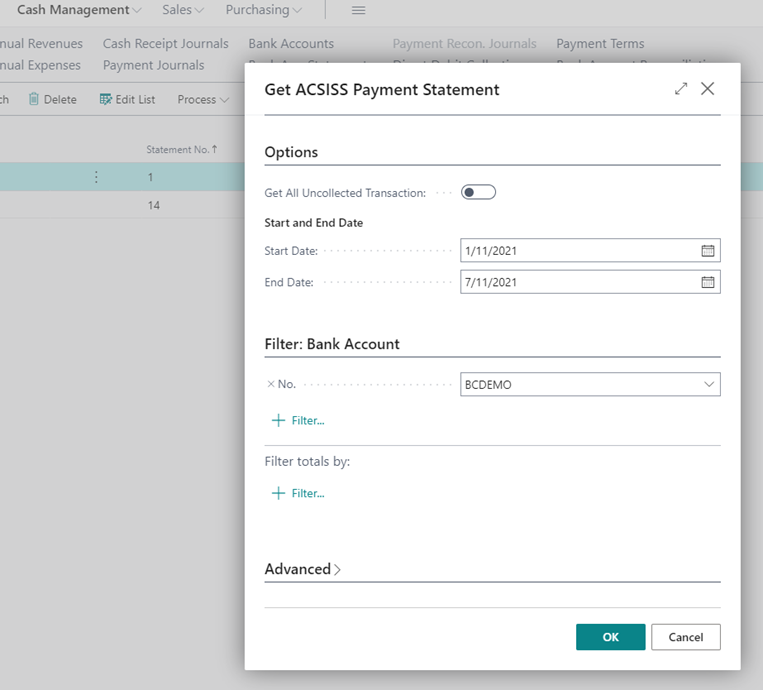
Go to Payment Reconciliations Journals / Actions / Get ACSISS Bank Statement Lines
-
The ACSISS Get Bank DATA screen will be displayed / Enter the Start Date and End Date for the desired transaction date range / Enter the Bank Account No. or click the drop-down button and select the Bank Account No. / click OK OR toggle Get All Uncollected Transactions and click OK
-
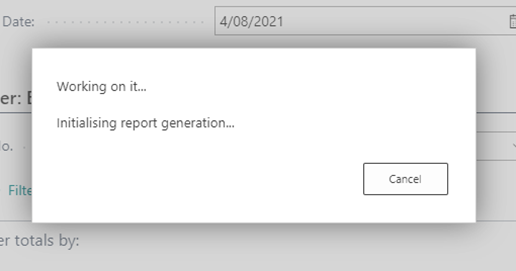
A pop-up message will appear telling you the report is being generated
-
The pop-up will close, and you will be on the Payment Reconciliations Journals page / Find your imported statement line / Click on the Bank Account No. in that line / your payment journal will open
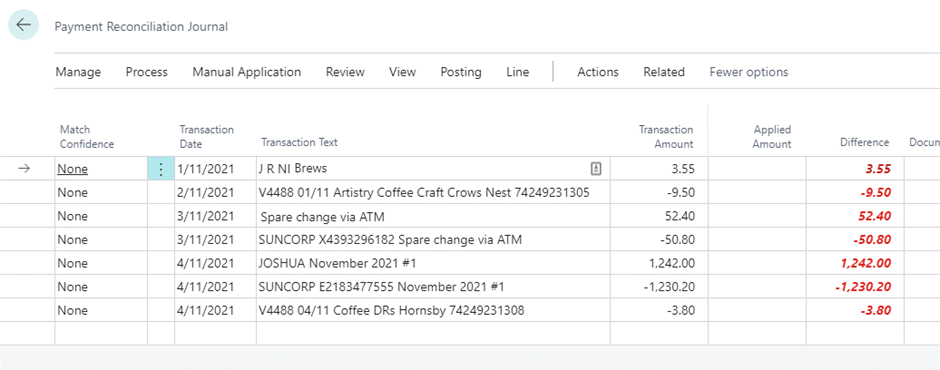
Your transactions have been imported. You can proceed with usual matching activities.