.png)

This article explains how a user can create an account and log in to the ACSISS My Data portal using email verification. It ensures the user completes all required registration fields, accepts the terms and conditions, and successfully accesses the portal.
Sign-up Steps (for new users)
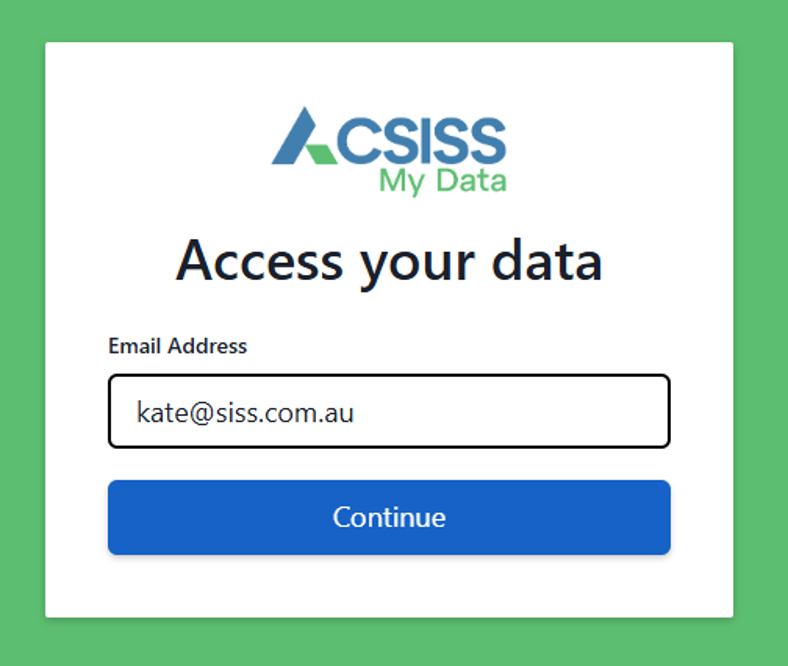
To begin, enter your email address and click Continue
-
The system will check whether an existing account is associated with that email. If you have an existing account, you will use the previously used sign up method.
Next, choose a Sign up method; Email, Microsoft, or Google
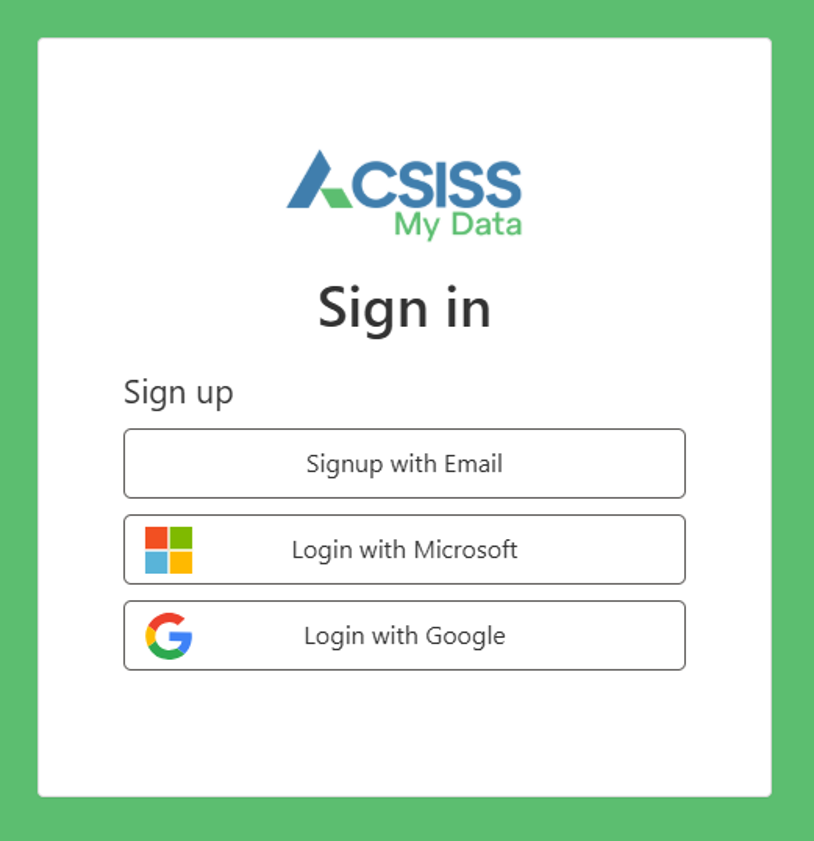
Sign up with Email
-
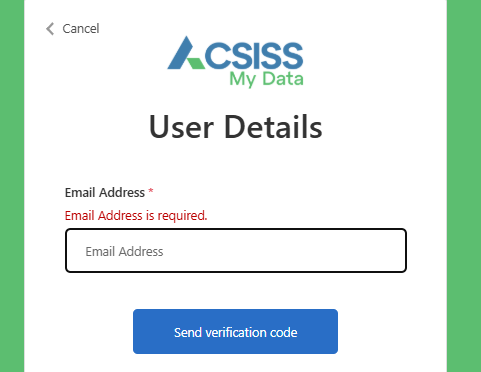
Enter your email address and click Send verification code
-
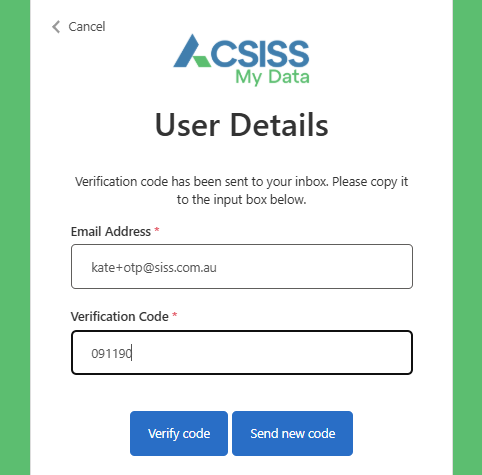
Go to your mailbox and retrieve the verification code, enter it, and click Verify code
-
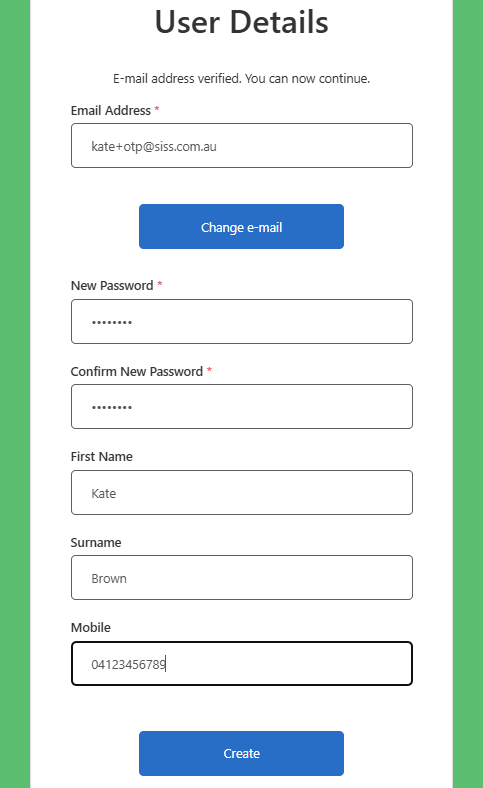
Your email has been verified. Enter your registration details and click Create
Now go to the Terms and Conditions
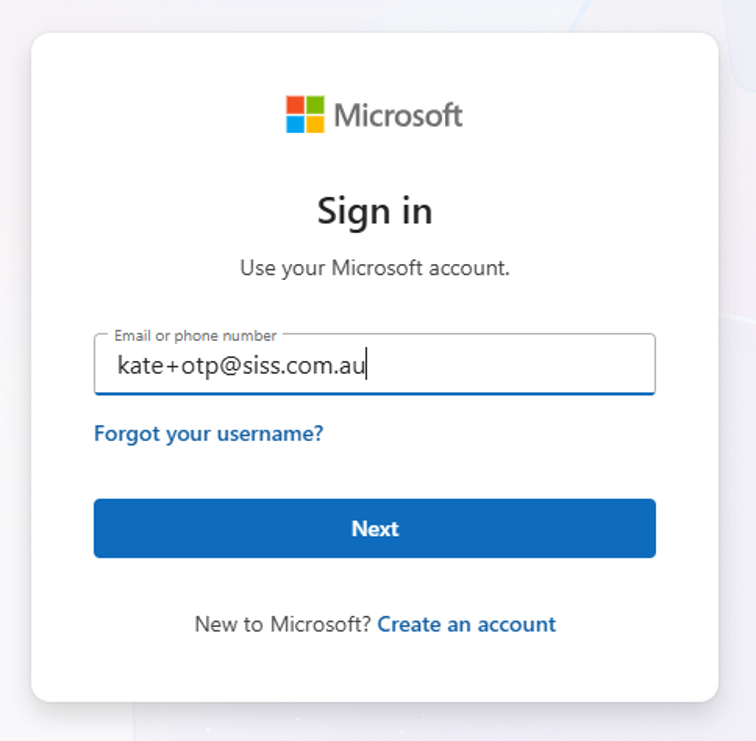
Sign up with Microsoft
-
Follow the prompts, then go to Terms and Conditions
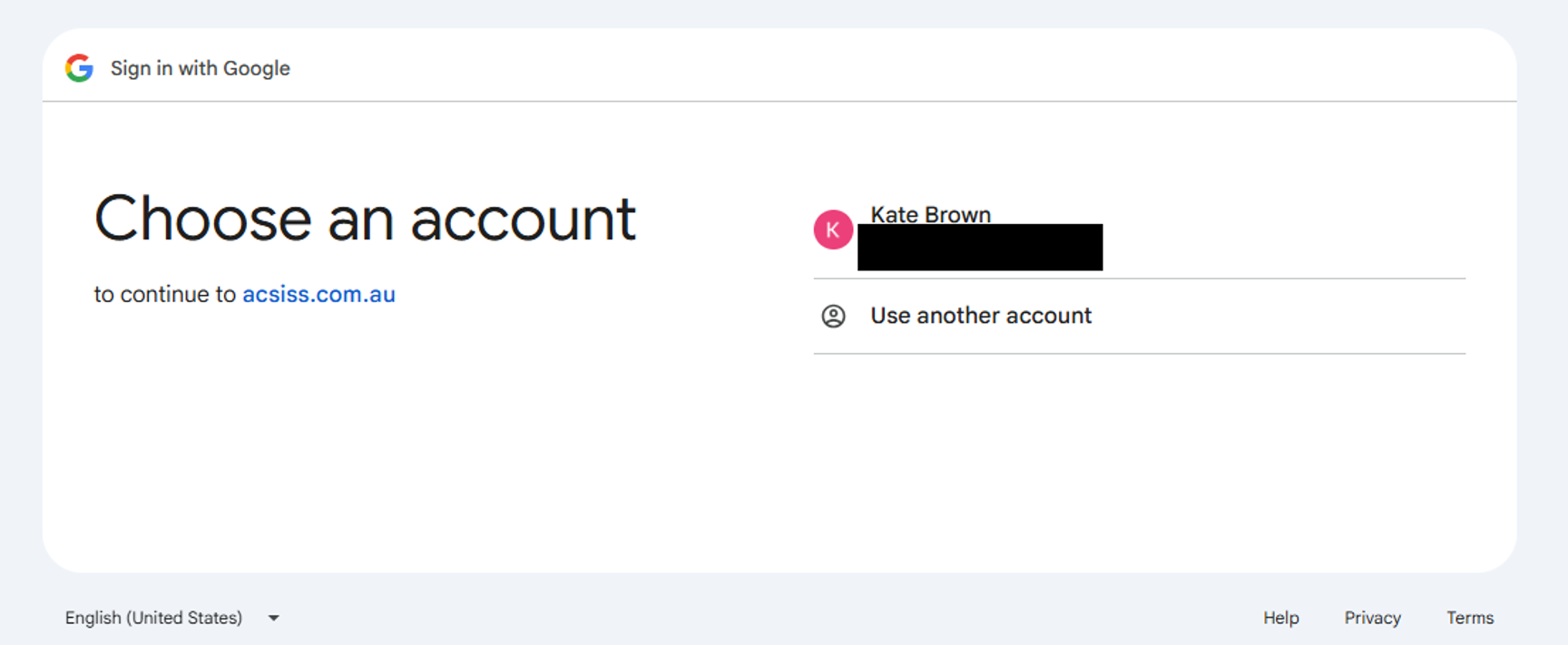
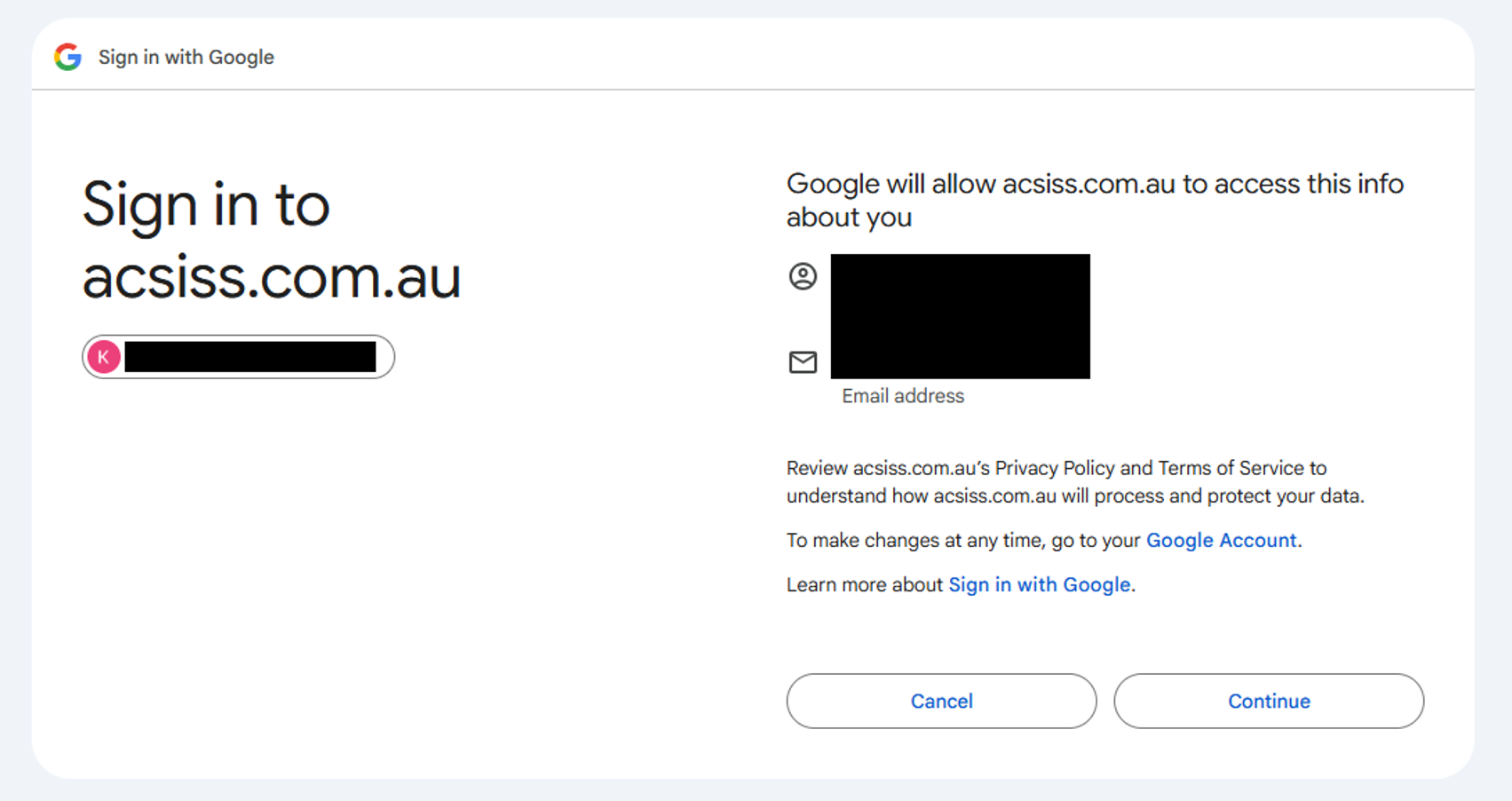
Sign up with Google
-
Follow the prompts, then go to Terms and Conditions
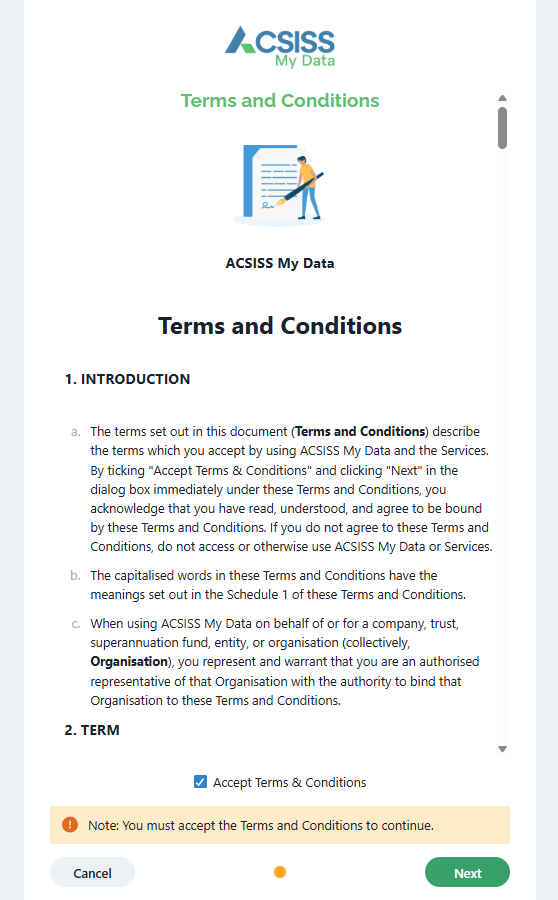
Terms and Conditions
Read through the Terms and Conditions, click the Accept box, and click Next
You have successfully set up access to your ACSISS My Data account.
To access the My Data portal in the future, you must use your email address and password combo + the email verification one-time code.
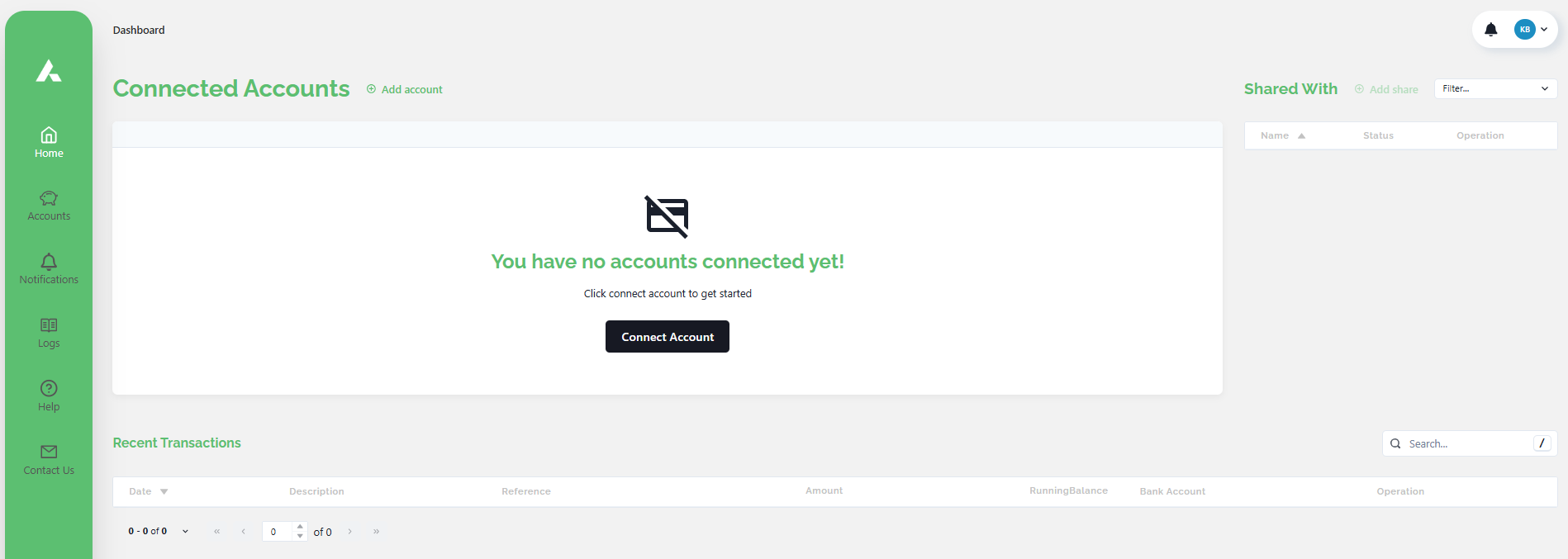
You will see the connected accounts and shares in My Data if you have already connected accounts through your bank feed software.